 Conduit
✶
gate
Ship usage dashboard
architect done · review branch plan
Review output
Continue
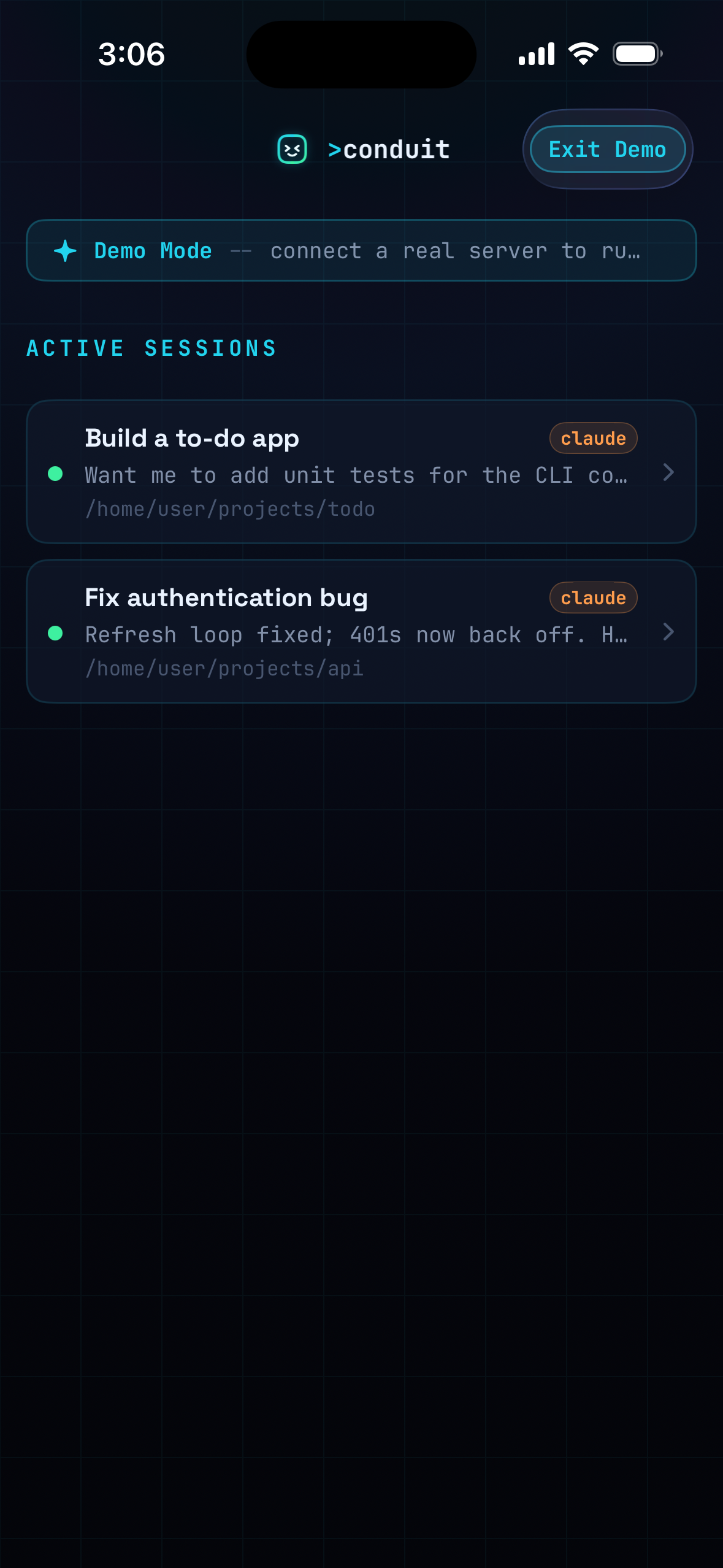
Conduit drives Claude and Codex on your dev box from your phone or tablet. Launch a Flow, watch every step run, branch, loop, ask for approval, and land the work while you stay in control.
Flows are Conduit's new control surface for bigger jobs: compose steps, hand them to the right agent, gate risky moments, and resume from your phone when a step needs judgment.
architect done · review branch plan
codex · running loop 2/4
Pair to a box on your network or across the world. Sessions and Flows run on the real thing — your repos, your branches, your toolchain — streamed straight to your hand.
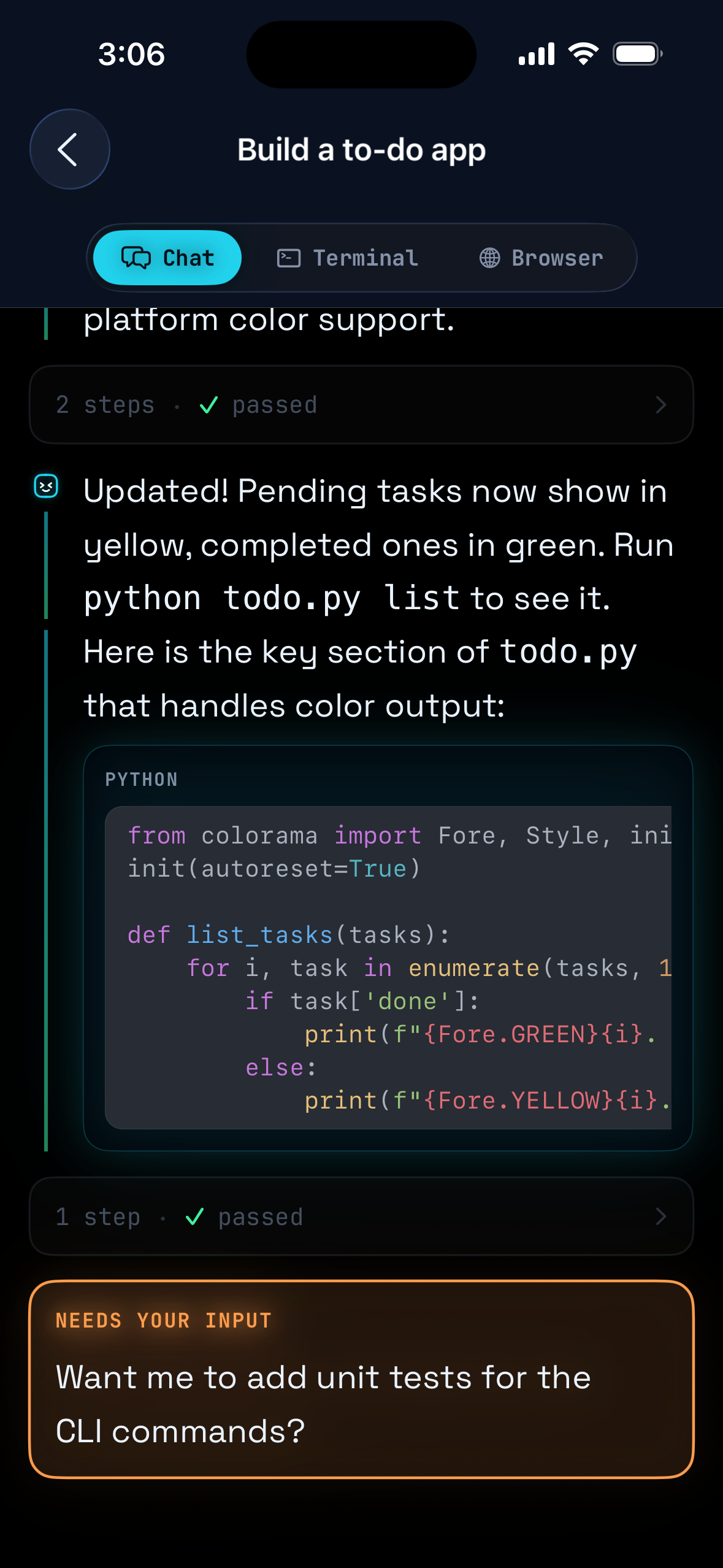
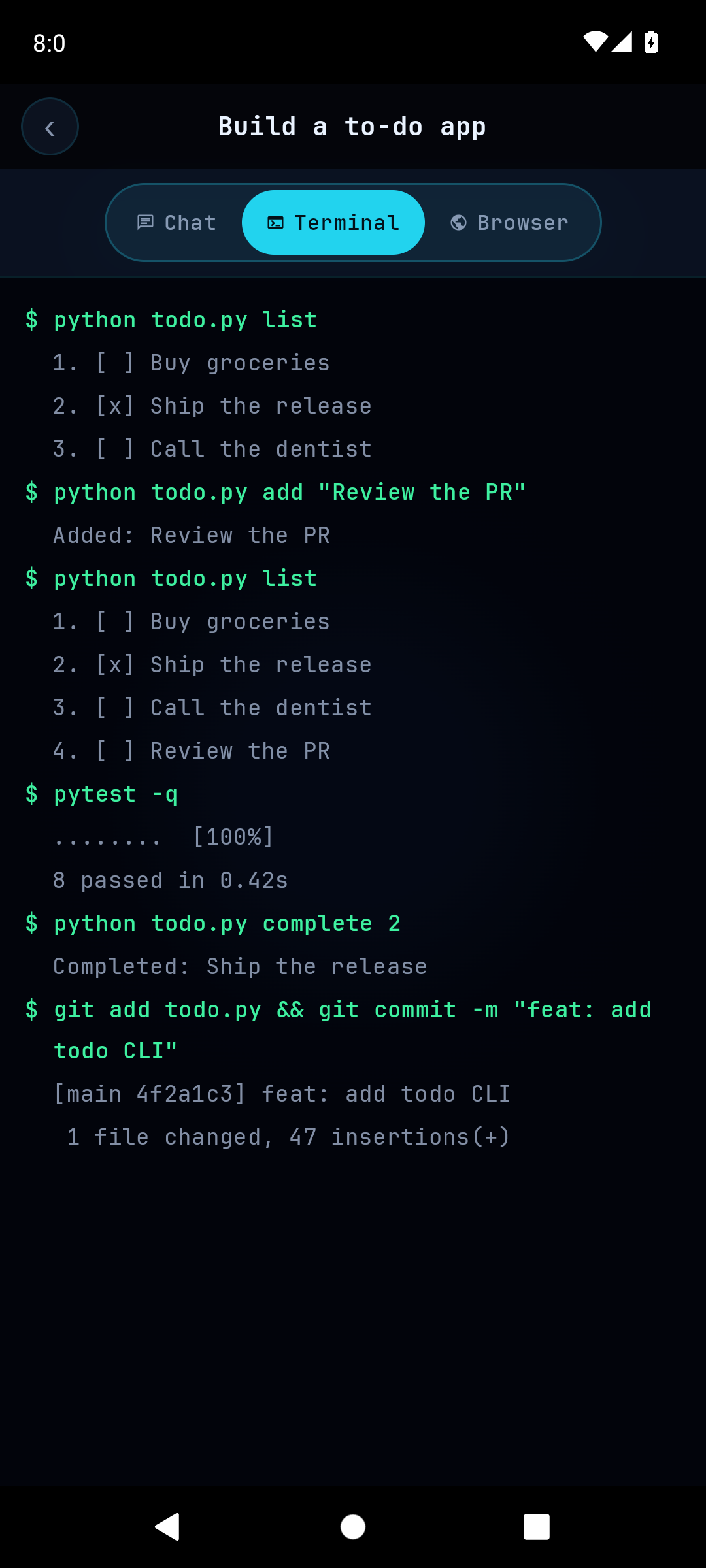
Not a toy console — a full terminal on the box, with streamed stdout, real exit codes, and the hard keys one tap away. Drop in whenever you want to drive by hand.
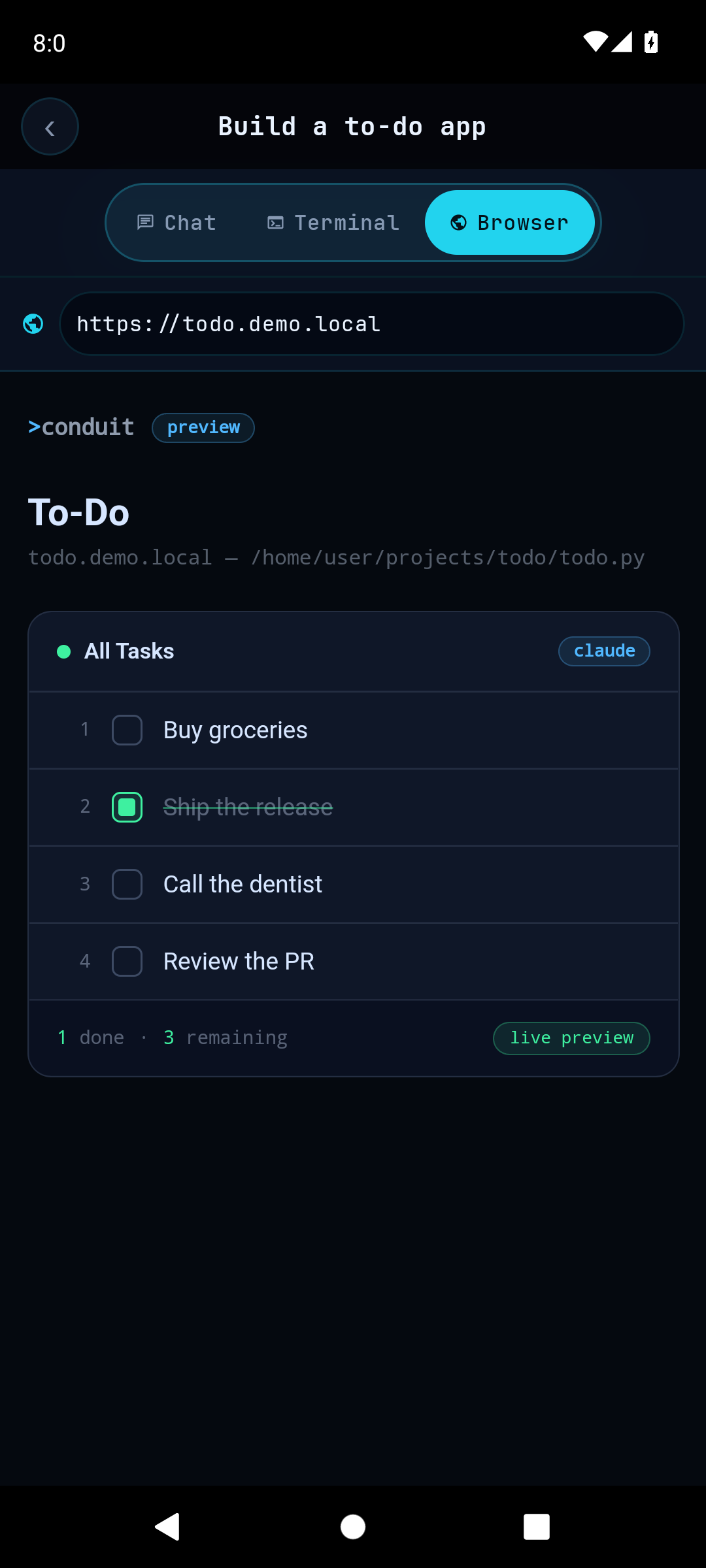
Point the in-app browser at the dev server running on your box and watch the thing you're shipping render in your hand — refreshing the instant the agent saves a file.
On a bigger screen Conduit fans out into a three-pane workspace — your sessions and Flows, the live chat thread, and a terminal or browser pane side by side. The same work, more room to inspect it.
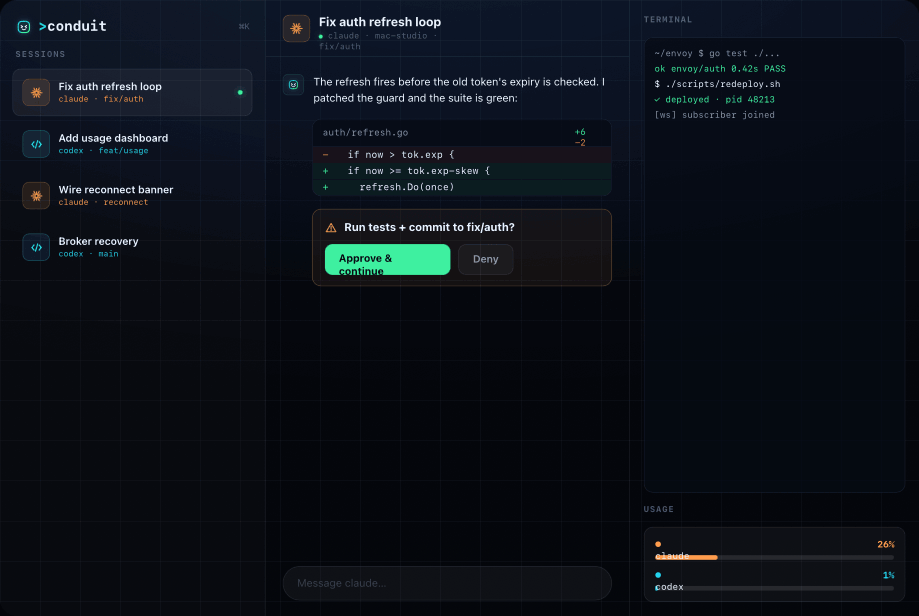
Every active session and multi-step Flow one tap away, with ⌘K search across all of them.
The full thread — plans, diffs, and approvals — in the center, where your attention lives.
A live terminal, browser preview, and usage limits docked in the side pane.
The phone and tablet share one feature set. Flows, chat, terminal, browser, and approvals — wherever you pick it up.
A full-bleed terminal with streamed stdout, exit codes, and an esc/tab/arrow accessory bar for the hard keys.
Watch the app under development render in-app, with a hot-reload pill that fires the moment the agent saves.
Route work between Claude, Codex, and specialist steps — with nested progress and a collapsible result summary in one card.
Destructive or irreversible? A Flow pauses at the gate, shows what happened, and asks before continuing.
⌘K fuzzy-search across every session, repo, branch, and message — history rows surface diffs, PRs, and test results.
Context window, token spend, session cost, and per-agent plan limits with reset countdowns — at a glance.
Conduit is built so the app on your phone and the agent on your machine talk directly over a connection you own — there's no Conduit server sitting in between holding your code or your credentials.
The app reaches your machine over your own SSH login. Your SSH keys are entered on-device and never leave it — and we never see your servers.
On a paired box the broker listens on localhost and is reached only through your authenticated, encrypted tunnel — not on a public port for the world to find.
Every connection is authenticated with a high-entropy key minted when you pair the box. No key, no entry — checked in constant time on every request.
Agent credentials are encrypted at rest with a key that stays on your box — readable by the broker, not by a stray backup or a snooping process.
Sessions, code, and chat live on your box and your device. Push notifications travel through a relay that carries opaque tokens — never your code, keys, or messages.
The broker is delivered over HTTPS and checksum-verified before it ever runs, so a tampered or man-in-the-middled binary won't install on your server.
We treat the server you trust us to run with care — hardened by default, audited as we grow, and patched fast. Found something? Responsible disclosure is always welcome.
Conduit is free to install and use — pair a box and run your first Flow in minutes. An optional Conduit Plus upgrade ($2.99/month or a one-time lifetime unlock) lifts the free tier's limits and adds themes and app icons.
iOS, easiest path: TestFlight — join, then install from the TestFlight app. Advanced / not on the roster: Direct install over the air — tap Install, then trust the profile in Settings › General › VPN & Device Management. Android: open the .apk and allow install from this source.
How is Conduit priced? Conduit doesn't sell Claude, Codex, or any AI service. The agents are command-line developer tools you install on your own computer or server under your own Anthropic or OpenAI account, set up and billed entirely outside this app — Conduit is the remote control for tools you already have. The core app is free: one box, two concurrent sessions, two automations. The optional Conduit Plus in-app purchase removes those limits and adds cosmetic extras (themes, chat fonts, app icons). See the terms and privacy policy.